ArtRevolt XR · In Development
AGI Art Gallery
Virtual · Mixed Reality · Augmented Reality
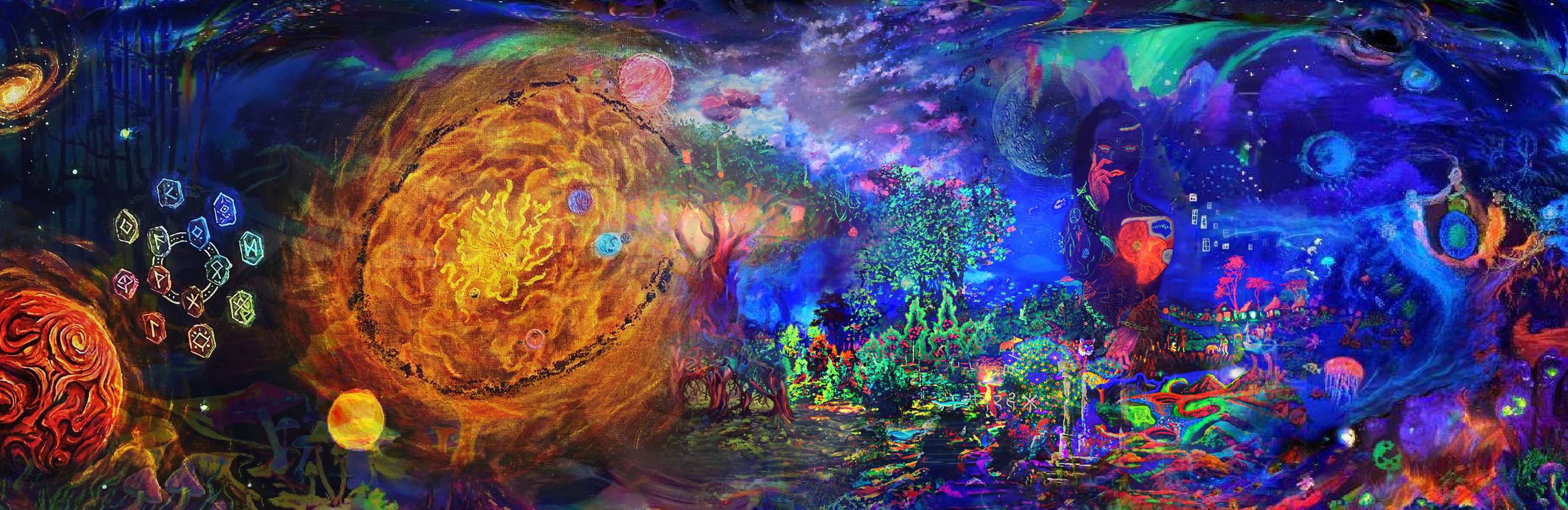
An XR experience placing the visitor inside a virtual art gallery built around Vasil's original works. The project spans three development procedures — from fully immersive 360° rendered walkthroughs, through a Mixed Reality interactive game-mode for headset users, to an Augmented Reality mobile demo that brings individual artworks into the real world. Developed independently under ArtRevolt.
// EQUIRECTANGULAR · UNREAL ENGINE · IMMERSIVE WALKTHROUGH
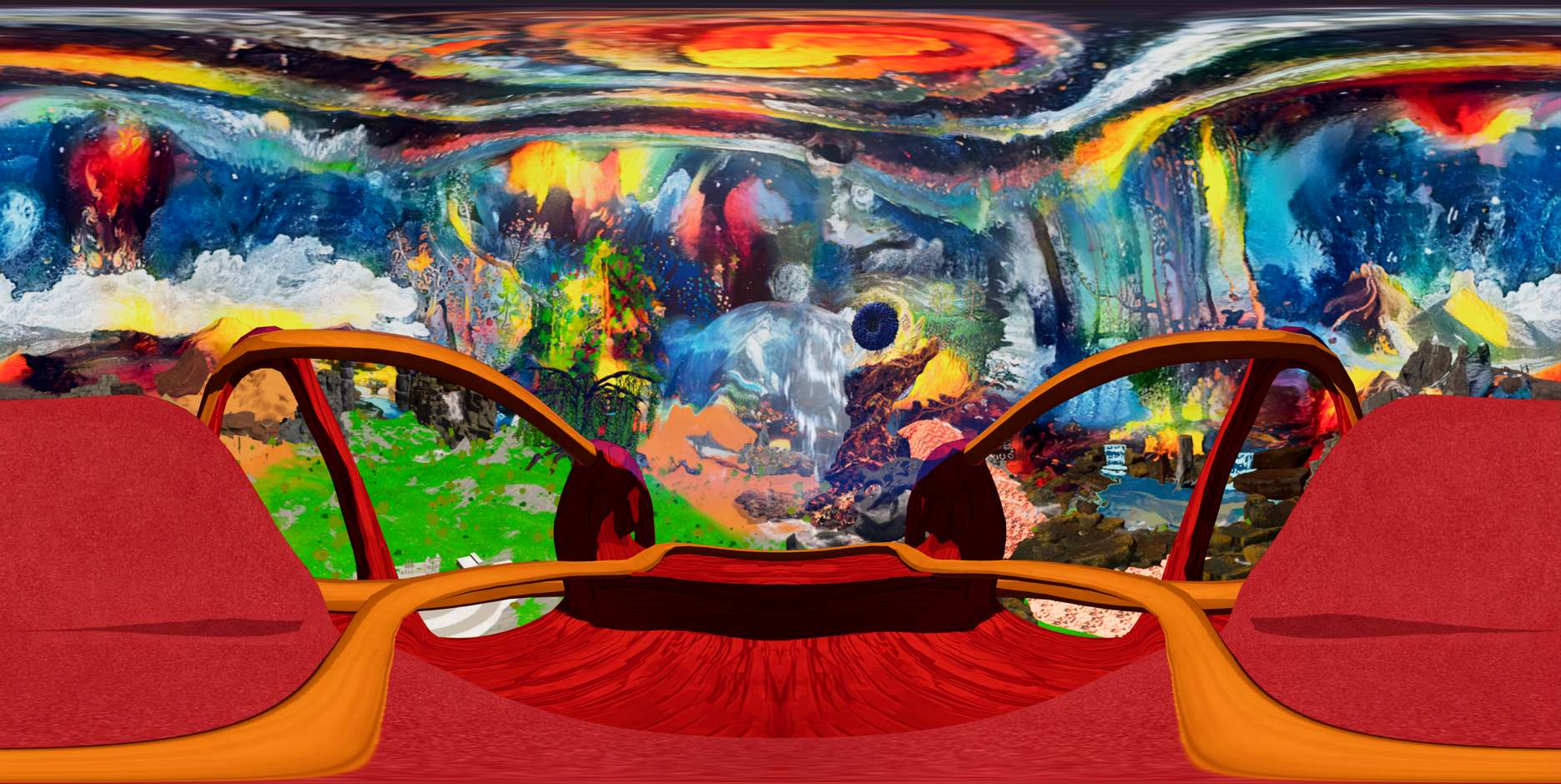
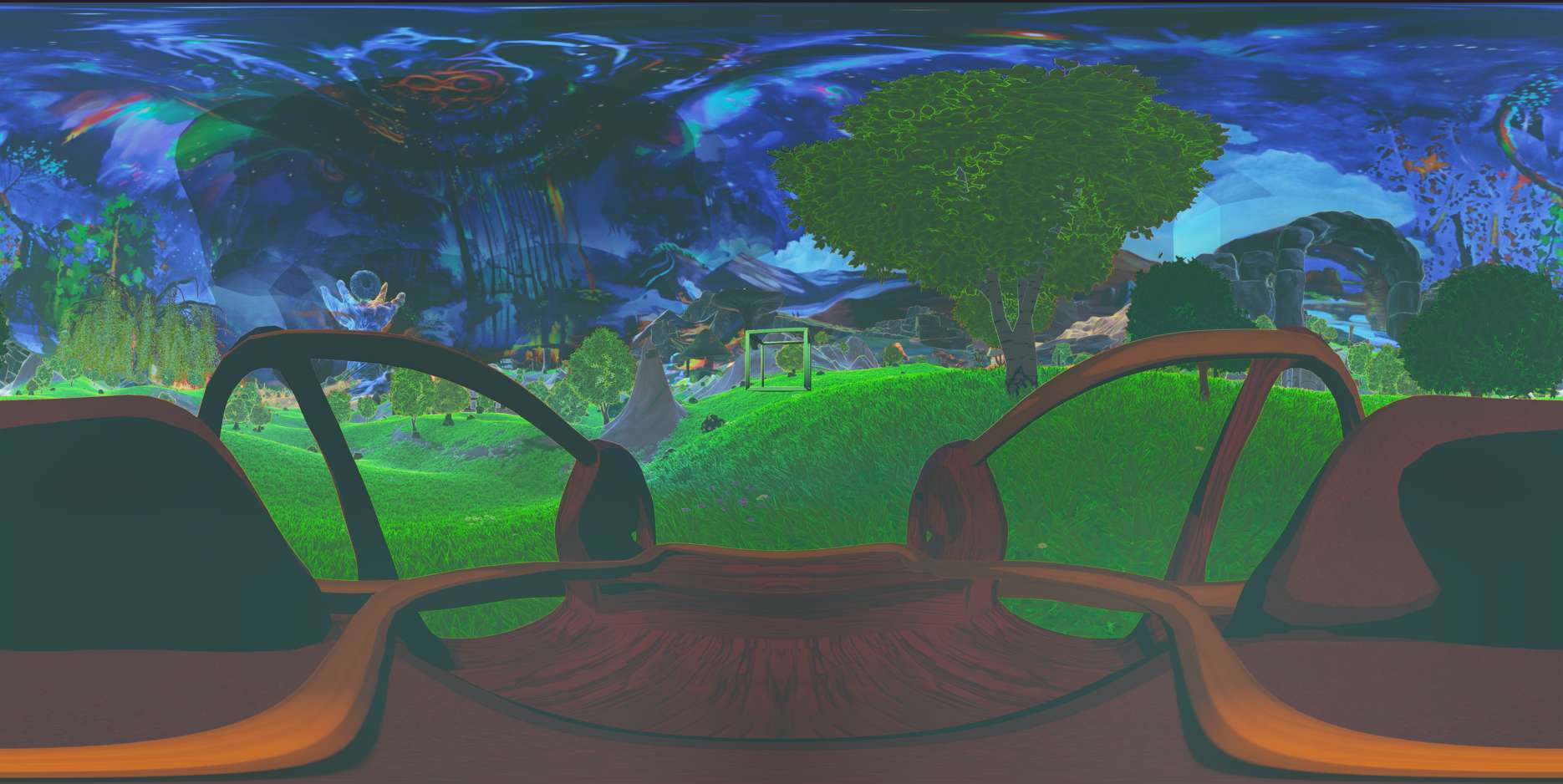
The first entry point into the AGI experience. High-resolution equirectangular 360° animations rendered in
Unreal Engine 5 capture a complete VR world based on a canvas that embodies Pythagorean Cosmic Morphology
and the five Platonic solids.
Guided by an AI narrator, participants embark on narrative journeys through
these 360° environments, which are visually and thematically expanded from the original paintings.
| Render Type | Monoscopic 360° — easy access to all mobile devices |
| Resolution | 8096 × 4048 render sequence compressed to 4K in 30fps |
| Lighting | Unreal Engine 5 Lumen Global Illumination + Sky Atmosphere |
| Output | AI agent narrator integrated as a NPC character |
| Post | Davinci Resolve — grading, audio, transitions |
// PASSTHROUGH · META QUEST · REAL-WORLD ANCHORED · INTERACTIVE
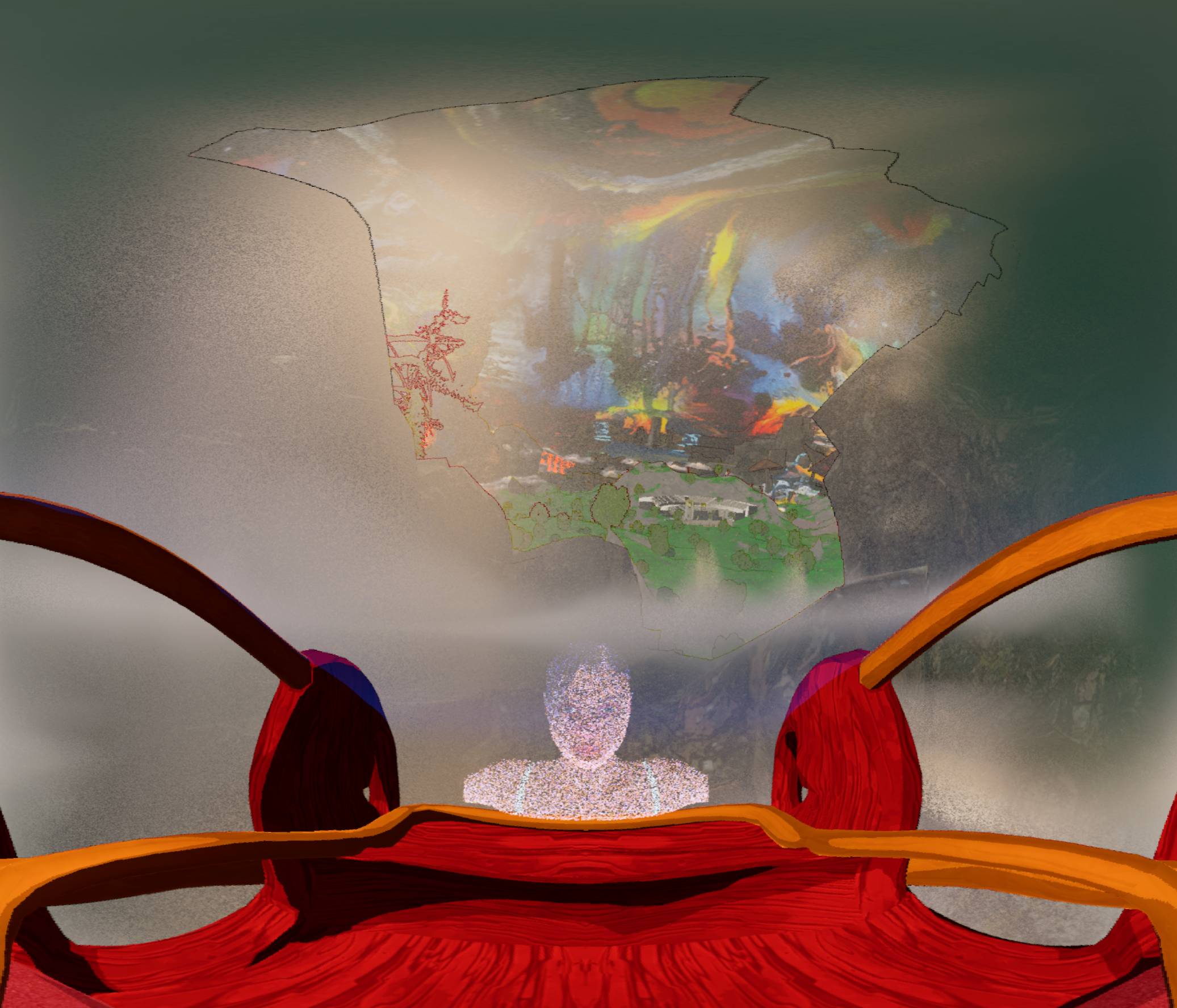
The second chapter layers the virtual gallery over the user's real physical space using Meta Quest passthrough. Visitors wearing the headset see their actual room augmented with world portals linked to the corresponding painting, and interactive elements altering the environment in bio diversity. A game-mode layer introduces interaction mechanics — interacting with AI agent -NPC to aquire information about the artworks, reading information panels, and navigating between Canvas worlds — making the experience exploratory rather than passive.
| Platform | PC tethered running on Meta Quest 2 / 3S |
| SDK | Meta XR SDK — Mixed Reality Utility Kit (MRUK) |
| Room Mapping | Scene Understanding API — walls, floor, ceiling, furniture |
| Interaction | Hand tracking + controller fallback — grab, inspect, navigate |
| Rendering | UE5 Deferred Renderer — Higher Quality Rendering Settings |
| Target FPS | 60 fps on PC tether |
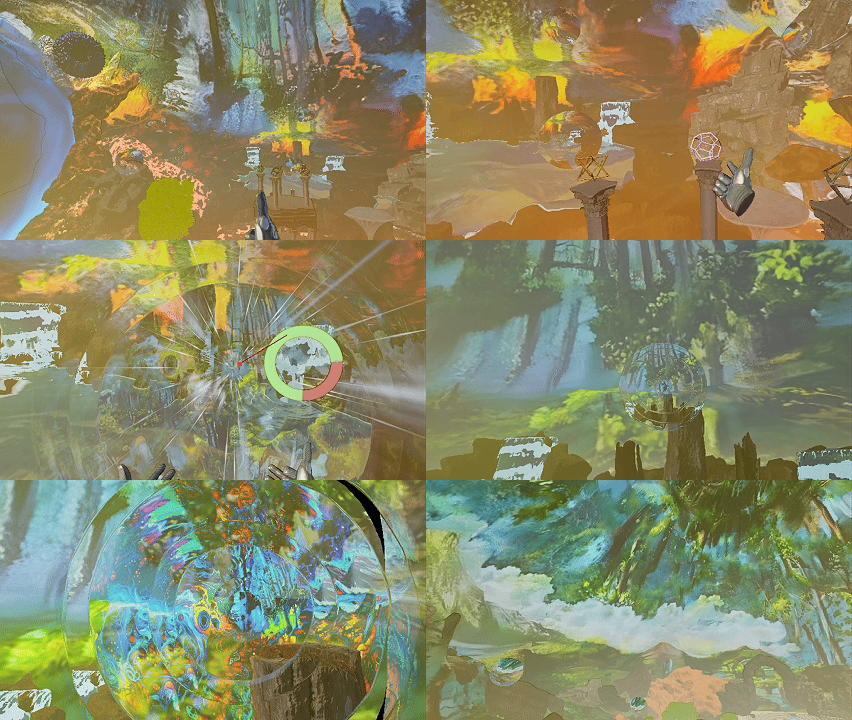
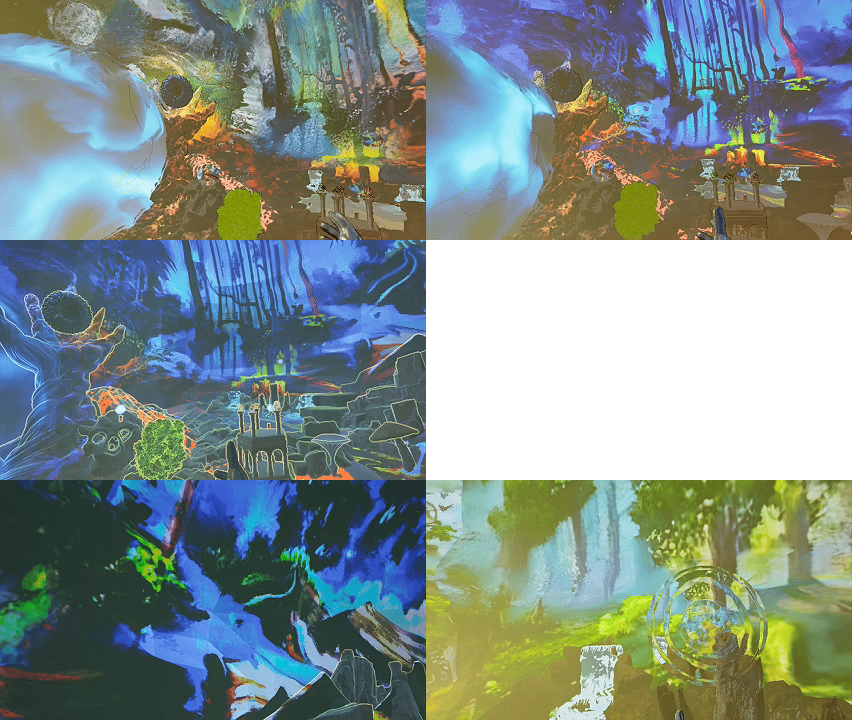
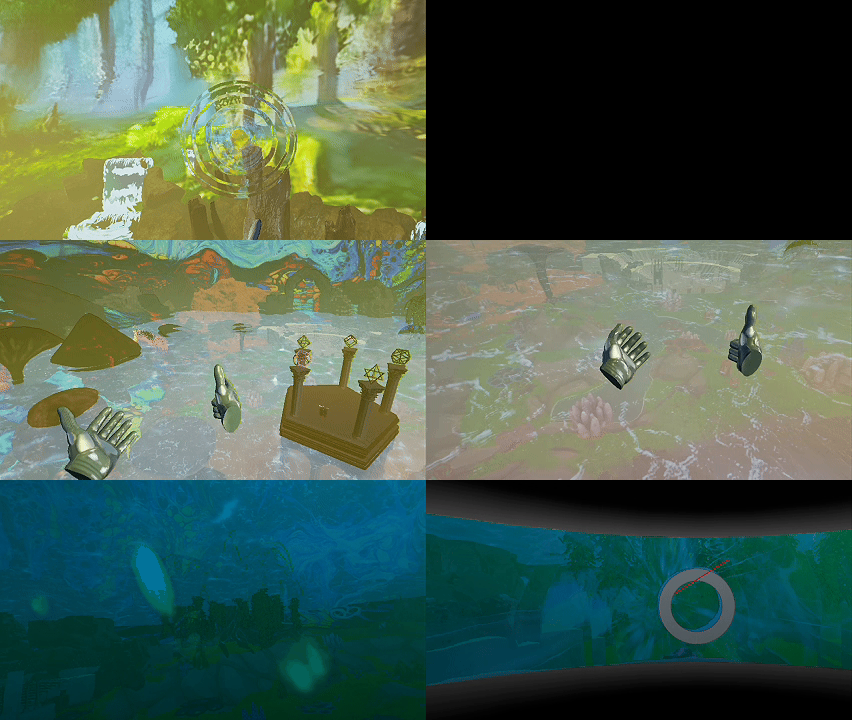

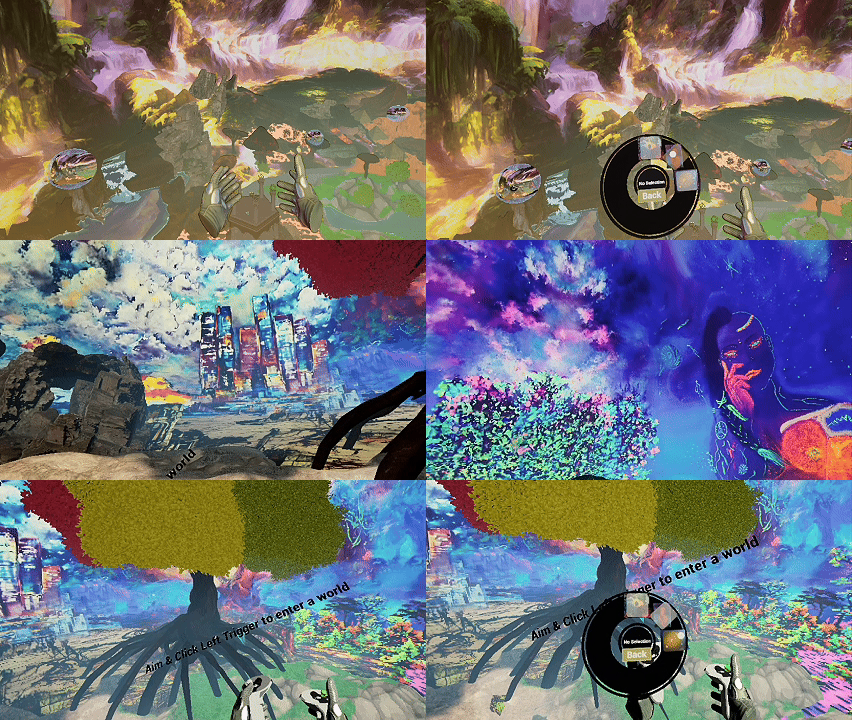
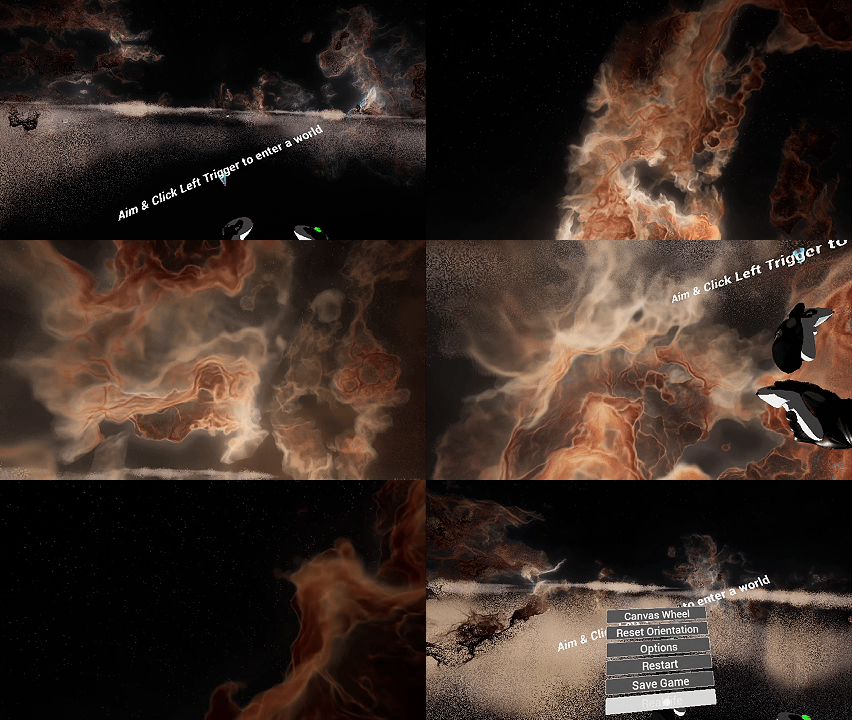
As a solo developer and an aspiring artist, the challenge is to balance the technical implementation of MR features with the artistic vision of the gallery. The focus is on creating a compelling and immersive experience that captures the essence of the original artworks while leveraging the unique capabilities of Mixed Reality.
// AR FOUNDATION · iOS / ANDROID · SURFACE DETECTION · PORTABLE
The third chapter is an accessible AR demo deployable on any modern iOS or Android smartphone — no headset required. Using Unreal's ARKit/ARCore integration, individual artworks from the gallery are placed onto real-world surfaces detected by the phone camera. Users can walk around the virtual artwork, scale it, and read contextual information overlaid alongside it — a portable taste of the full gallery experience.
| Platform | iOS 14+ (ARKit 4) & Android 8.0+ (ARCore 1.x) |
| Framework | Unreal Engine — unified ARKit / ARCore backend |
| Detection | Horizontal & vertical plane detection — floor, table, wall |
| Interaction | Tap to place · Pinch to scale · Rotate with two fingers |
| Content | Individual artworks as optimised real-time 3D objects |
| Distribution | TestFlight (iOS) / APK sideload (Android) — test demo |
Add notes about the AR test demo here — what artworks are available to place, how the plane detection performs, build instructions for the APK/TestFlight, or known limitations of the demo version.